|
Support Frequently Asked Questions |
![]() |
||||||
|
Here are the answers to the questions we get asked most regarding TruEarth® satellite imagery and 3D terrain models. In many cases, you can find the quick answers you need right here, but... If you ever need to talk through a support
issue, call us at: or
contact us at:
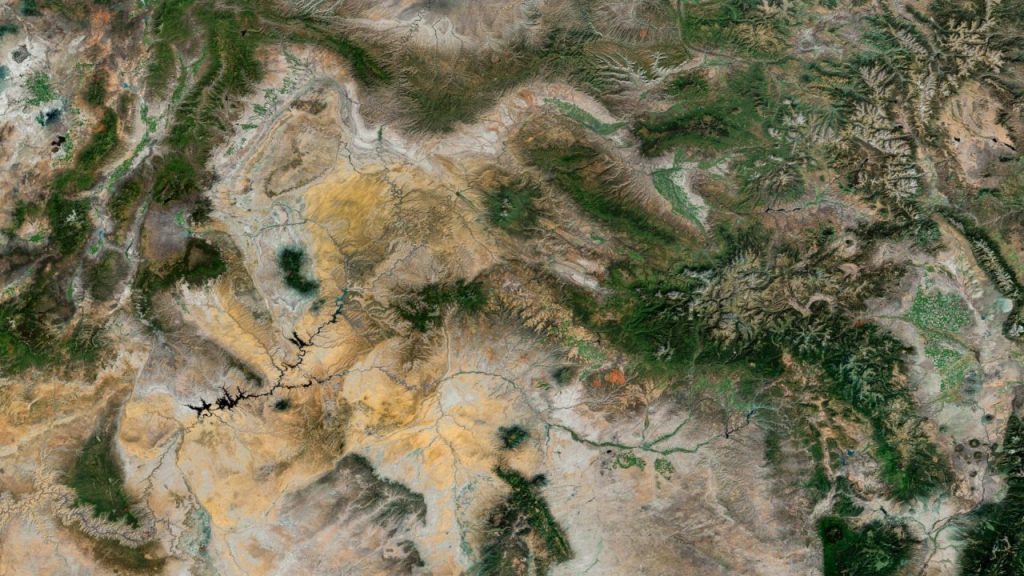
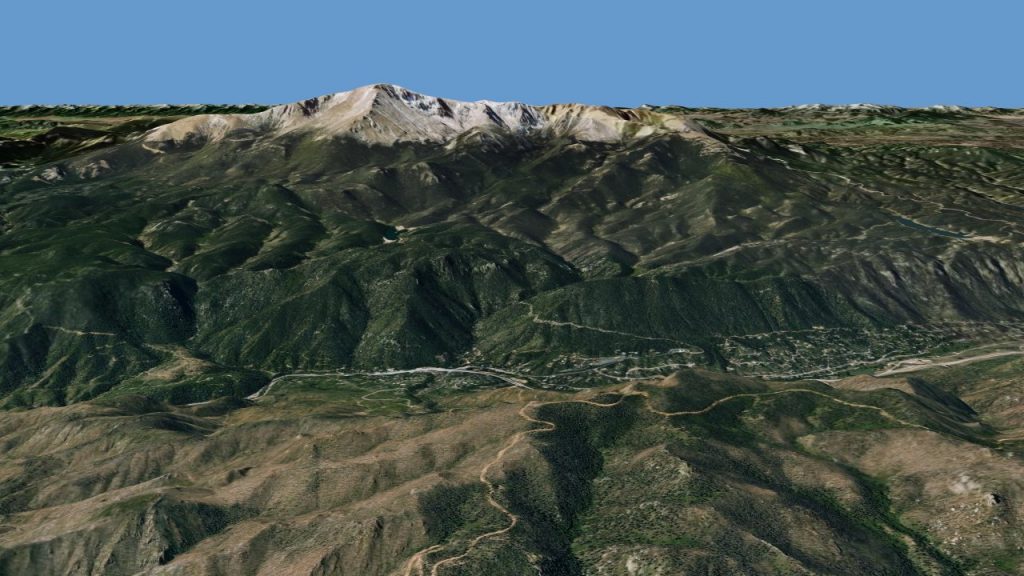
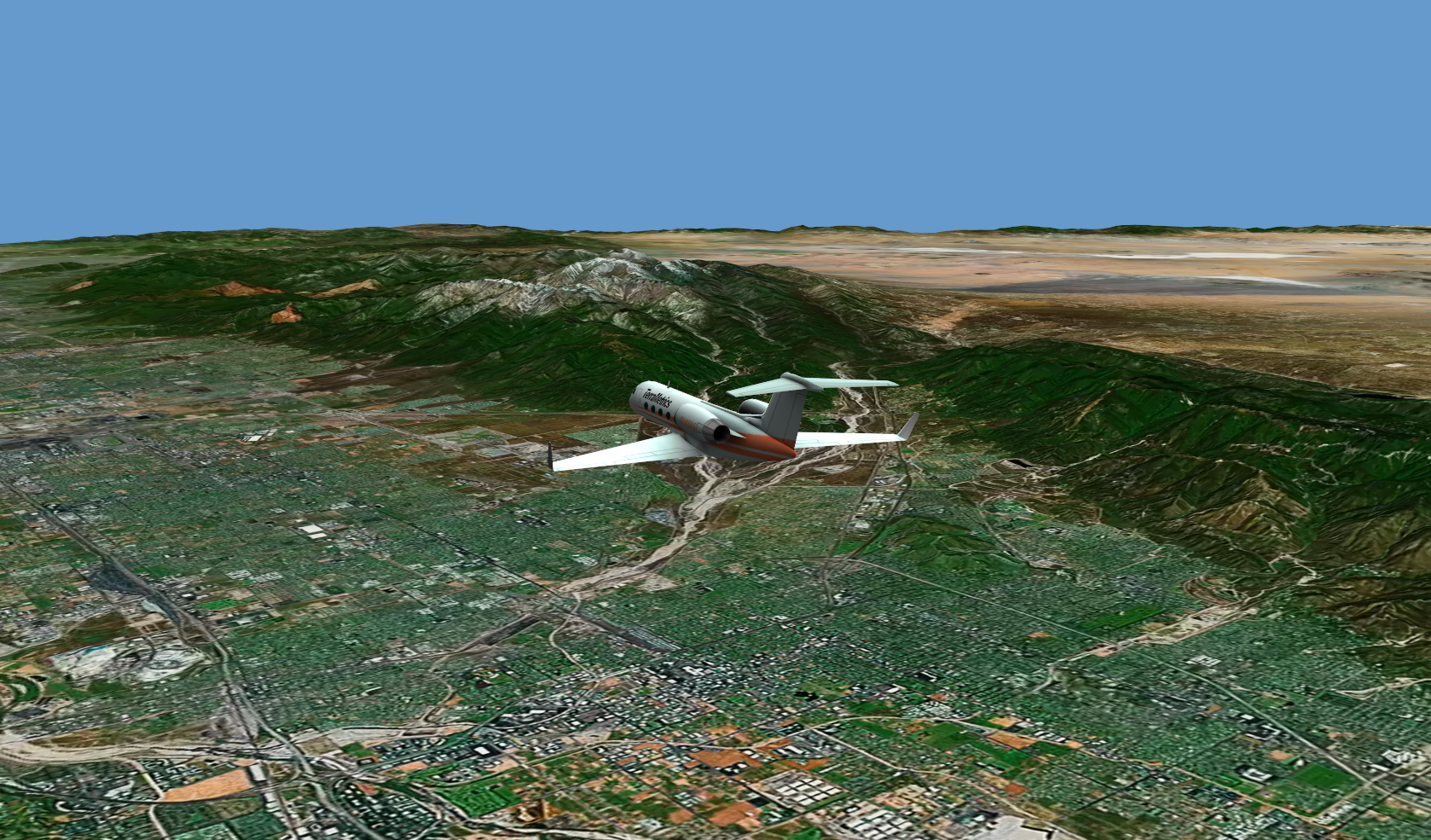
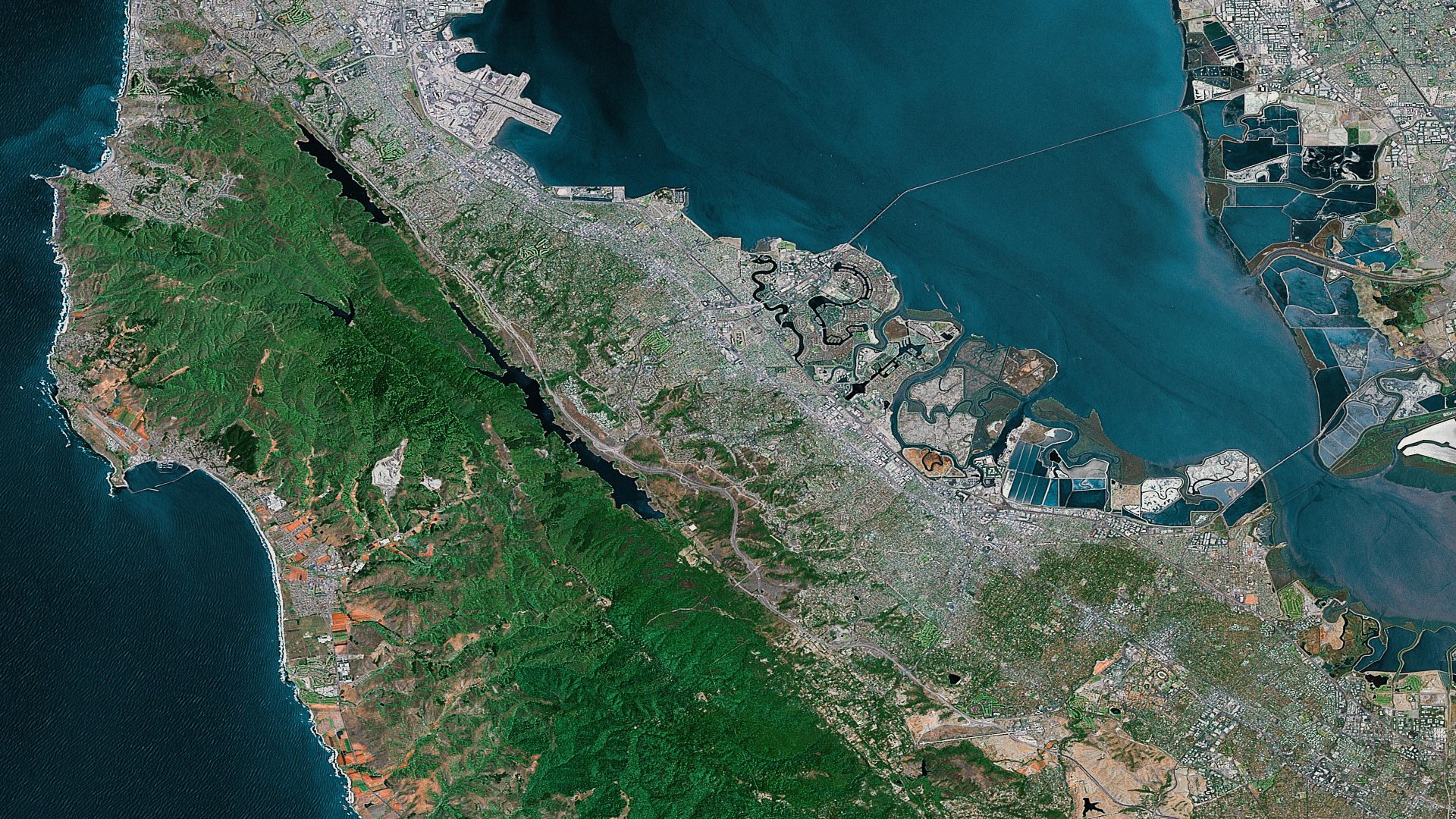
FAQs: TruEarth® 1km SATELLITE IMAGERY. How high off the Earth’s surface is the viewer when using the TruEarth® 1km imagery? TruEarth® 15-meter imagery? How do I do a fly-in from space? How do I map partial TruEarth® images (like continental or tile regions) to a sphere? Why do continents, like North America, look vertically squished, how do I fix this? Is TruEarth® imagery map-accurate? What is the map scale of the TruEarth® imagery? How high off the Earth’s surface is the viewer when using the TruEarth® 1km imagery? TruEarth® 15-meter imagery? Based on the nominal resolving power of the human eye, which is 2 seconds of arc, the TruEarth® 1km imagery contains all of the visual detail that an observer would see if flying at about 1,700 kilometers (1,060 miles) above the surface of the Earth. TruEarth® 15-meter imagery takes you another 67 times closer, containing the visual detail that an observer would see if flying at 26 kilometers (16 miles or 84,000 feet) above the Earth. In practice, atmospheric scattering, bluing, and turbulence coupled with cloud and fog distortions substantially diminishes the ground details actually seen at that altitude. In that sense, TruEarth® 1km and TruEarth® 15-meter imagery provides ground detail that will support scenes viewed significantly closer to the Earth's surface. Also, when TruEarth® imagery is being used in a CG rendering or animation, what really matters is not so much the human eye’s resolving power, but the resolving power of the video or film camera’s simulated optical system. For instance, if the scene is a wide shot, the resolving power of the simulated optical system is less than that for a close up. Therefore, TruEarth® 1km imagery can support typical on-orbit wide shots at a substantially closer altitude. As comparison, the Space Shuttle nominally orbits at 300km (185 miles) above the Earth, the International Space Station orbits at 380km (235 miles) above the Earth, geo-synchronous communications and weather satellites orbit at 35,786km (22,220 miles) above the Earth, and the moon is about 367,000km (228,000 miles) away from the Earth. How do I do a fly-in from space? Typically, an Earth fly-in shot can be accomplished by using an image series with increasing levels of detail as the camera gets closer to the final ground destination. This means that a lower level of detail global image combined with higher level of detail regional and local imagery is often all that is needed to accomplish the desired effect. Here is a typical scenario and the appropriate TruEarth® imagery to achieve each effect: Fly-in Scene: Full-disc Earth fly-in to Los Angeles, California. Starting frame shows global Earth 1/4 frame size; ending frame shows full-frame center of Los Angeles.
The TruEarth® 1km imagery collection is an excellent starting point for scenes requiring full-globe shots down to state-level coverage areas. Then, use a 2 x 2 or 4 x 4 tile array of TruEarth® 15-meter imagery to further push into the city level. How do I map partial TruEarth® images (like tile regions) to a sphere? Create a sphere model of any size and vertex density, determined only by how smooth you wish the sphere to appear when rendered. Use a spherical texture mapping type (rather than linear, cylindrical, shrink-wrap, etc.) to map the Earth image to the sphere. Typically, texture map coordinates are stated in (u,v) coordinate space, where u is the x-axis and has the coordinates of –1 to 1 and v is the y-axis with the coordinates of –1 to 1, as well. Think of the sphere with an equator line drawn around it at the mid-point between the northern and southern hemispheres. At one point on the equator, the u coordinate is –1. Traveling to the east around the sphere, u coordinates increase from –1 to 0 (half way around the sphere) and then to 1, back at the original starting point. The v coordinates begin with –1 at the south pole and traveling to the north, increase to 0 at the equator and finally to 1 at the north pole of the sphere. It is pretty easy to visualize how a full TruEarth® global image maps to the sphere, stretching horizontally around the sphere from u = -1 to 1 and vertically from the south pole of the sphere at v = -1 to the north pole at v = 1. But what about mapping a partial TruEarth® image tile to the same sphere? This is typically done for higher level-of-detail images used on the tail end of a fly-in scene, etc., where the sphere is mapped with a lower detail global image and only a portion of a higher detail image finishes for the close up. First, determine how much of the sphere is to be covered by the image tile. For TruEarth® 1km tiles, each tile covers 45 degrees x 45 degrees of surface area. In the u direction, 45 degrees is 1/8th of the –1 to 1 map distance, and therefore, 0.25 u distance is covered. In the v direction, 45 degrees is 1/4th of the –1 to 1 map distance, and therefore, 0.5 v distance is covered. So, map the tile over a u = 0.25 and v = 0.5 distance with offsets that place it at the proper position on the sphere. Why do continents, like North America, look vertically squished, how do I fix this? The TruEarth® image is provided in an Equi-rectangular coordinate projection, also known as geographic, latitude-longitude (lat-lon), simple cylindrical or Plate Carrée. Continents like North America that are either above or below the equator become vertically compressed in the lat-lon projection compared to how they look in a conformal projection. But wait! The lat-lon projection is exactly what 3D animation packages want for doing a spherical texture mapping upon a sphere model. Also, from a mapping perspective, the lat-lon projection is the common divisor projection that all others may be created from. So if you're doing animation work with the TruEarth® image... just use it as it is delivered. If you are preparing print or other "flat" target media, then a map conversion is required to create a conformal projection that will appear more like how the Earth appears in local regions. The simplest map projection that usually is acceptable for such work is the Mercator projection. This projection is no more that a vertical stretch (or horizontal compression), where the stretch factor is locally dependent upon the latitude above or below the equator. TerraMetrics can supply custom-projected TruEarth® imagery if required. Is TruEarth® imagery map-accurate? Yes. TruEarth® image products were created with tight geographic controls referenced back to raw image and data sources produced by the USGS, NOAA, NASA, and other agencies. Here are the mapping particulars: TruEarth®
1km: TruEarth®
15-meter: What is the map scale of the TruEarth® imagery? TruEarth® imagery is map accurate and is suitable for use in cartographic projects at the map scales listed below: TruEarth®
1km: TruEarth®
15-meter:
| ||||||||
|
||||||||